
Stop chain-of-custody questions before they become case problems.
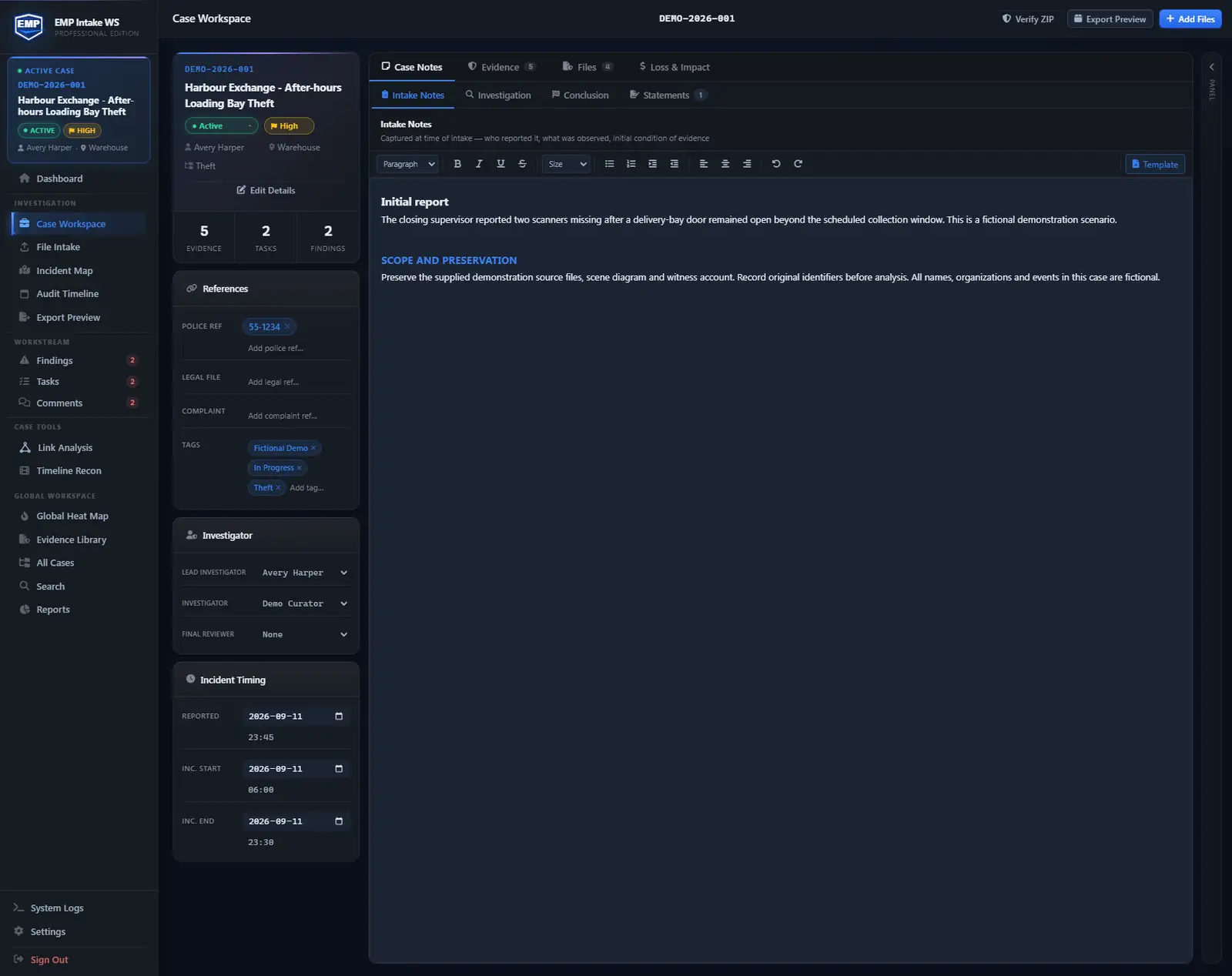
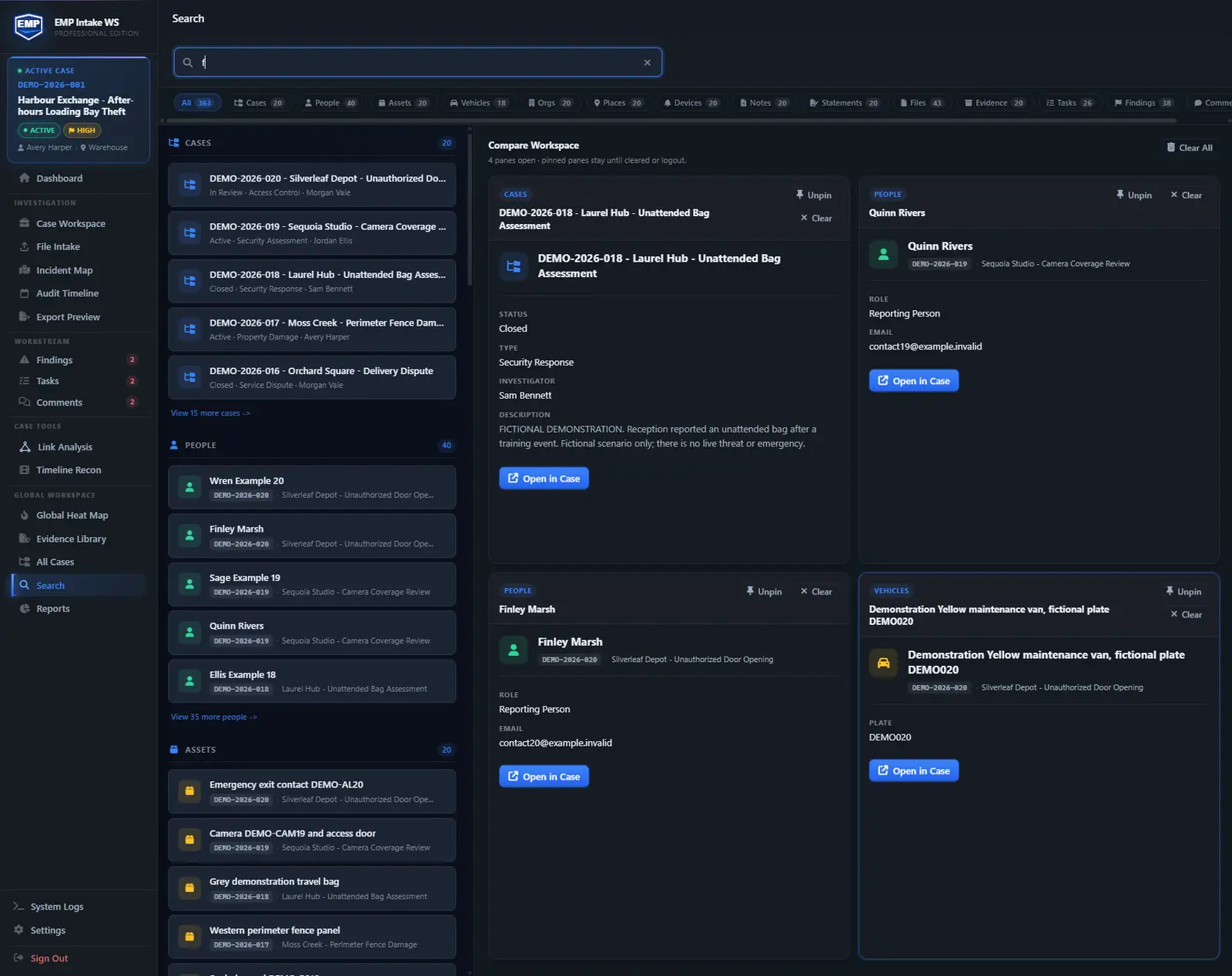
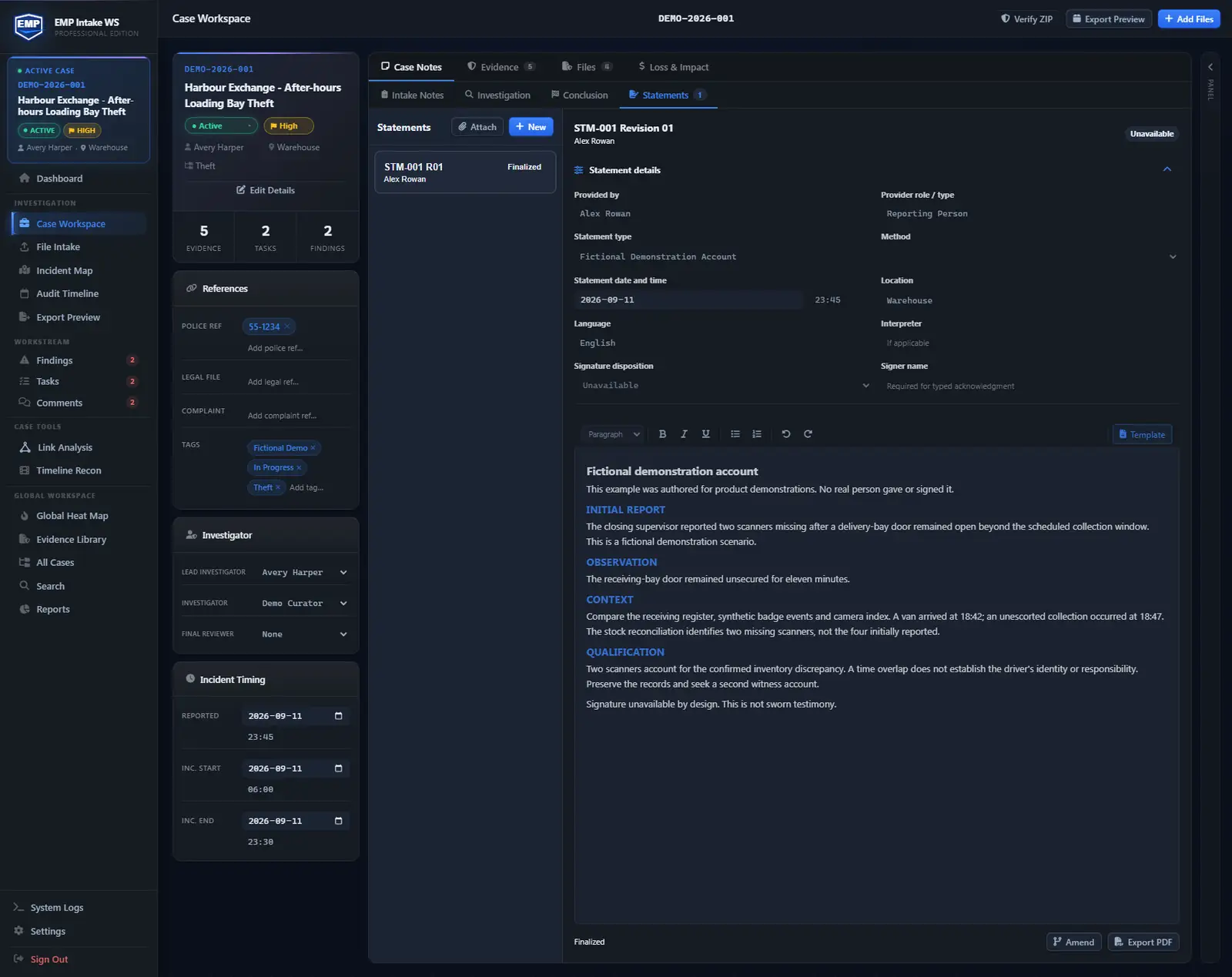
Build one structured case around the evidence on a local Windows evidence workstation: files, people, vehicles, places, assets, notes, tasks, findings, timelines, maps, and exports. Hashing and audit logs happen automatically. EMP organizes evidence, people, vehicles, places, and assets in one case workspace.
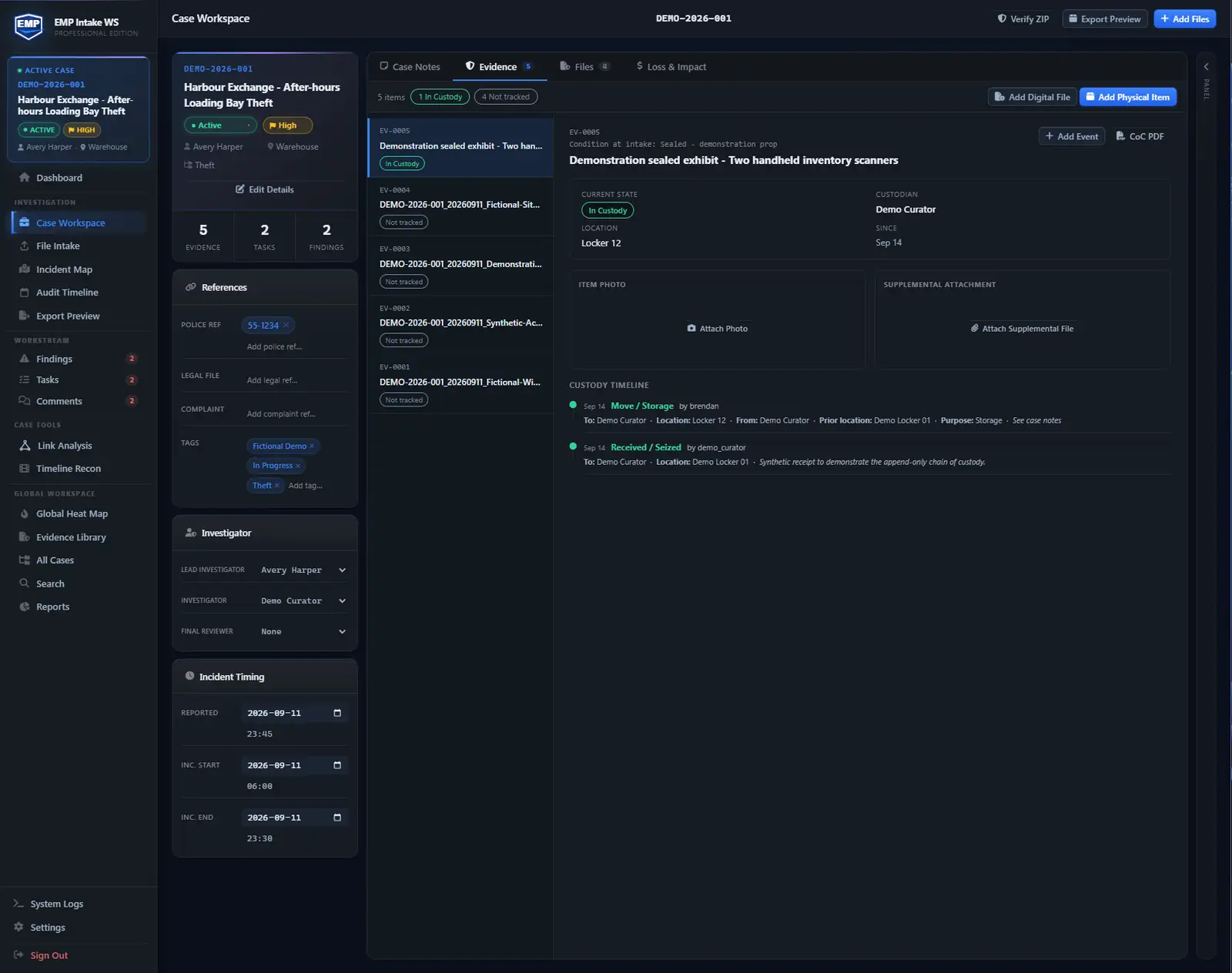
Intake, hash, build the case, then export.
Every case runs the same steps, and each one writes to a single audit trail that rolls up into one export.
- 01
Intake
Drop in files. Originals are set aside untouched and the details of receipt are captured the moment it lands.
- 02
Hash
SHA-256 at intake on every original. That hash is your baseline for the life of the case. If a byte moves later, it shows.
- 03
Organize, then reconstruct
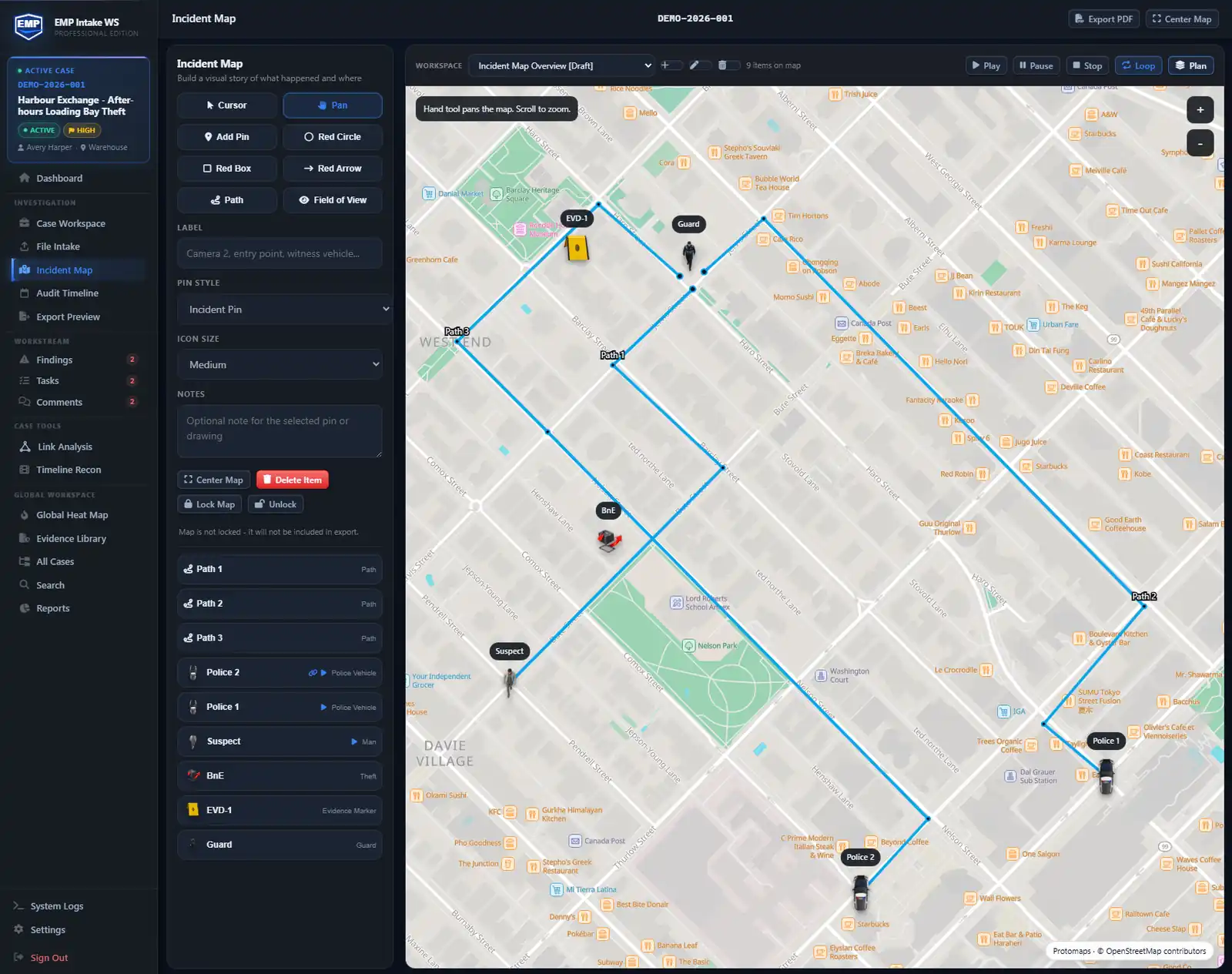
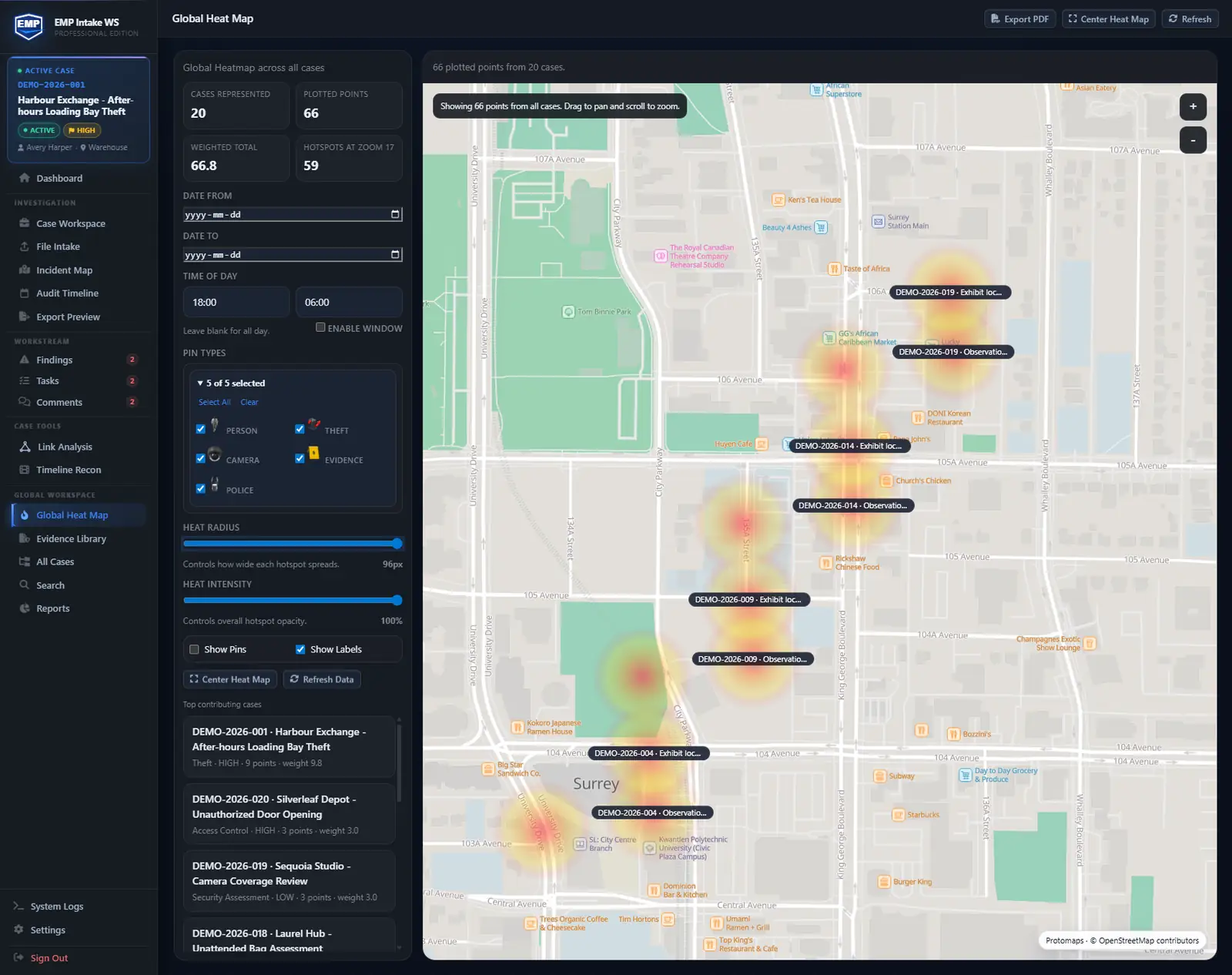
Organize the case objects: people, vehicles, places, assets, loss and impact, comments, tasks, findings. Then reconstruct: incident maps, heat maps, timeline, and link analysis.
- 04
Export
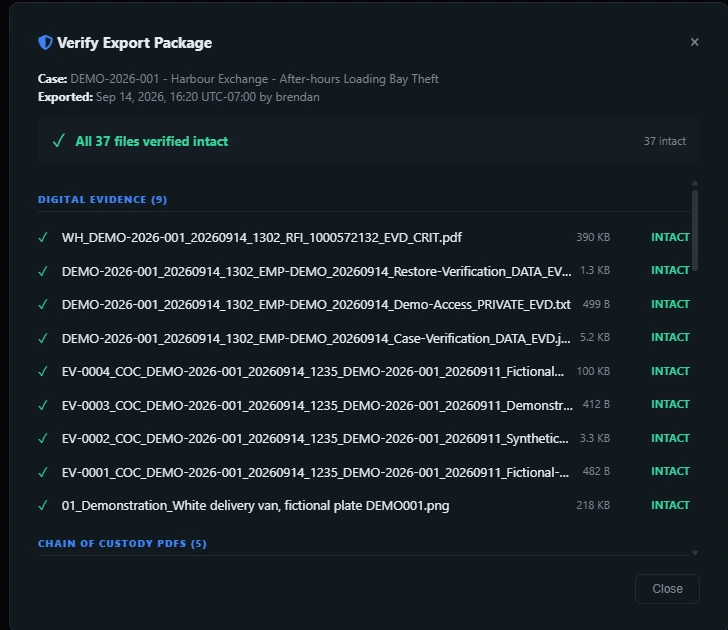
One click, one package: originals, derivatives, the audit log, a manifest, and a standalone verify_integrity.html. The next reviewer checks it without EMP.
You don't have to remember to hash anything. Intake does it. See the defensible-by-design model →
Standardize names before files become evidence.
Use a consistent naming convention for evidence files. File-integrity checks belong in the export manifest, not the filename. DNM is included with Standard and Professional, not Core, and is available separately.
See the file naming standard · Explore Document Naming Manager →Independent sources, one clock.
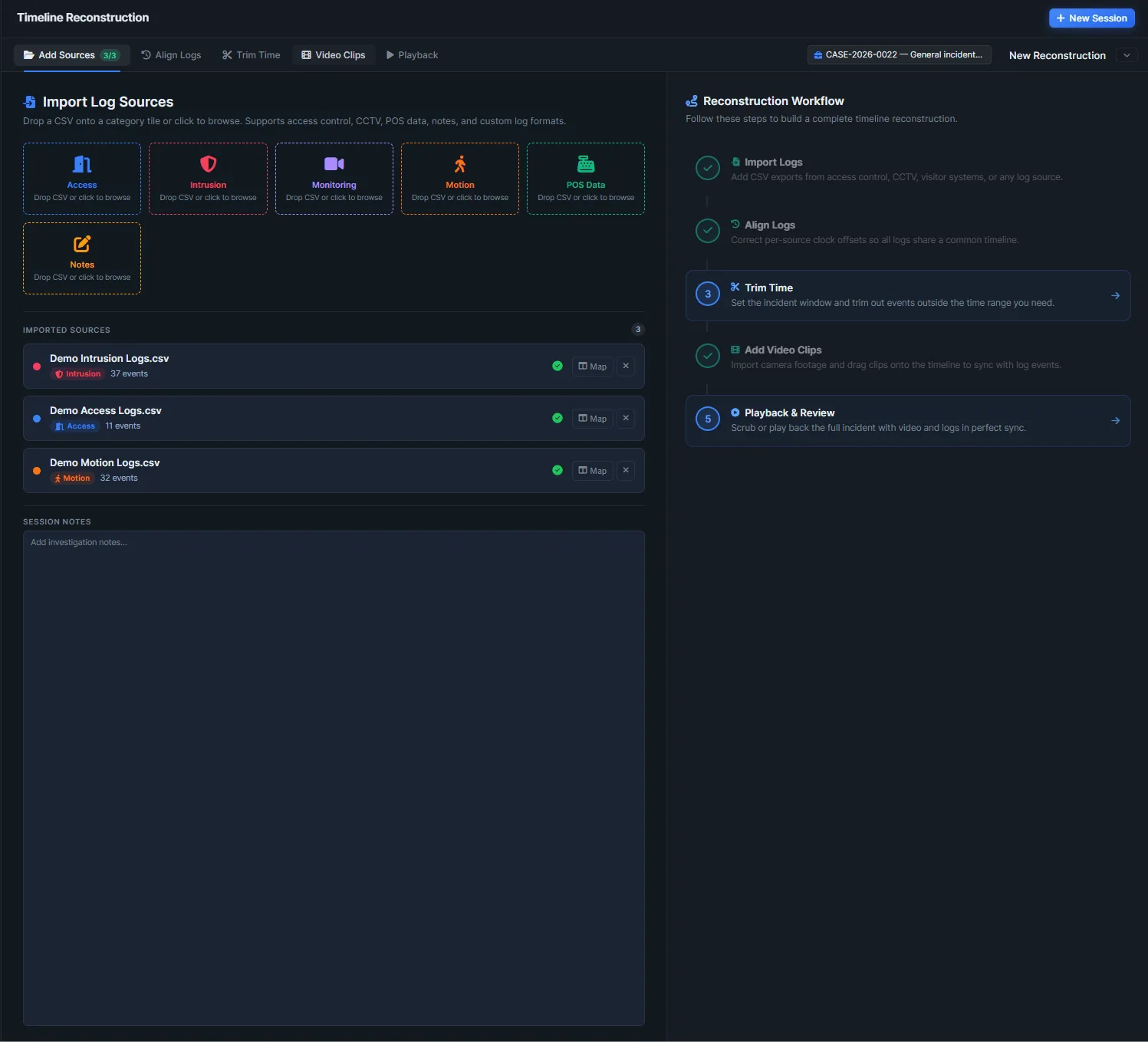
The CCTV export, the badge reader, the alarm panel, the motion sensor, the POS log: each keeps its own time. EMP lines them up on one axis so you can see the sequence, not argue it. In EMP, drag the playhead (or let it run) and watch five sources converge on the same second.
PROFESSIONAL TIER · INCLUDED IN YOUR 14-DAY TRIAL
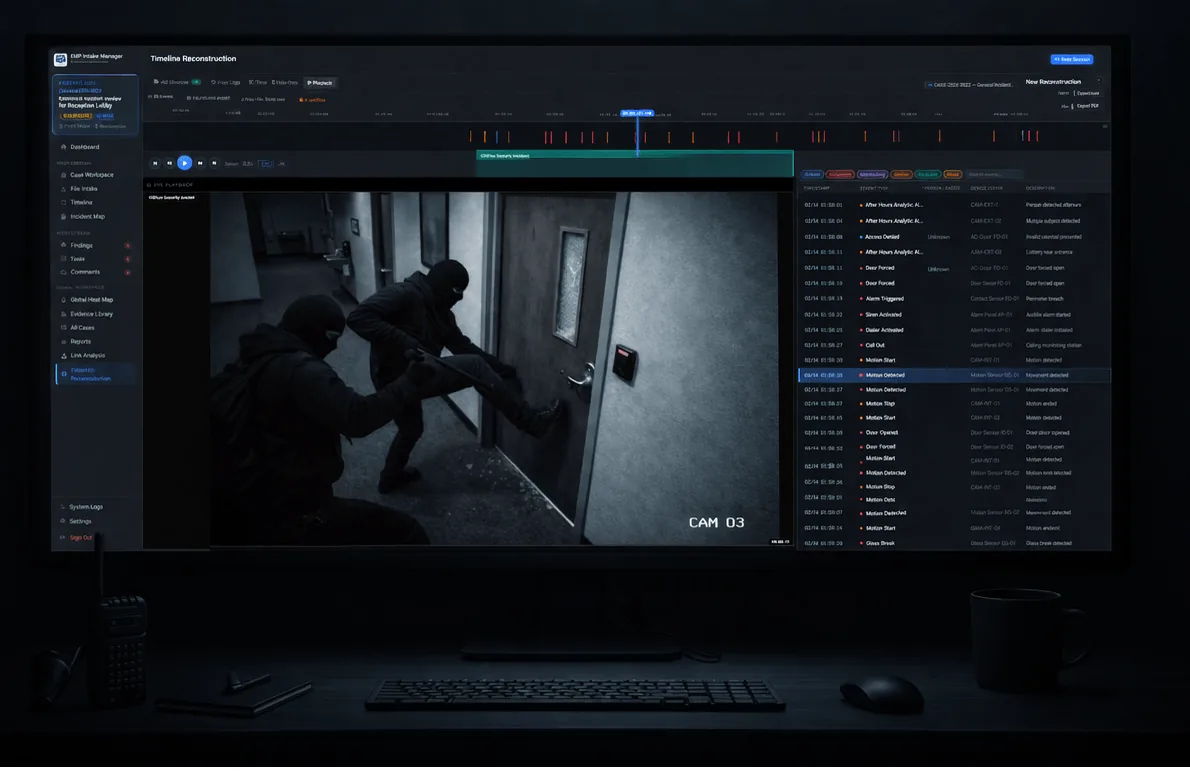
See the reconstruction model in depth on the Timeline reconstruction guide →
Map who connects to what.
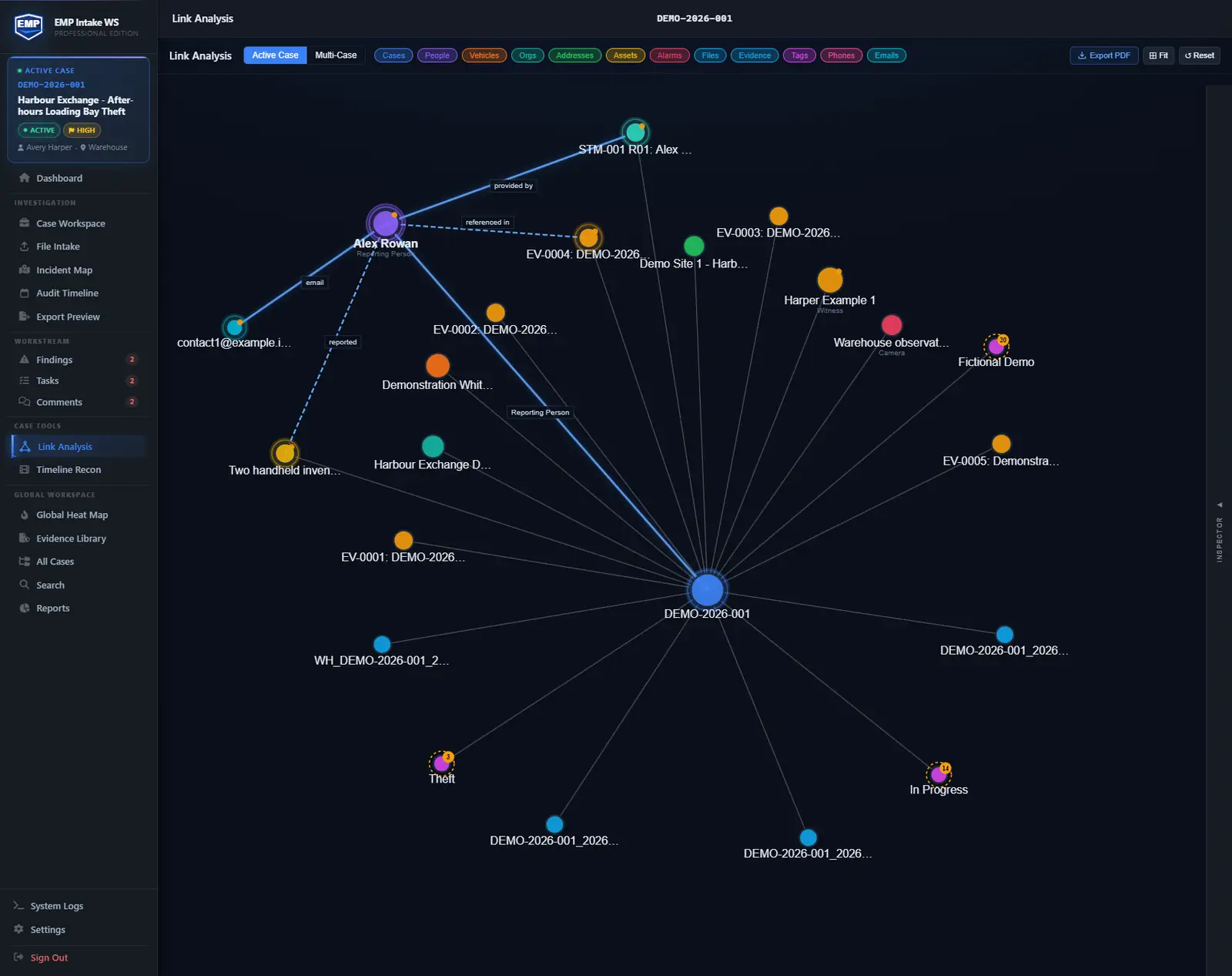
People, places, devices, and accounts are linked within the case as you work, so the connections are reconstructable later, not reassembled from memory. In EMP, hover or focus a node to trace its links; select one to pin its connected entities.
PROFESSIONAL TIER · INCLUDED IN YOUR 14-DAY TRIAL
Questions about EMP Intake Workstation
What is EMP Intake?
EMP Intake WS is local-first investigation software: a standalone Windows desktop app for solo investigators, paralegals, and small forensic practices. It handles the digital half of chain of custody: a hash at intake, preserved originals kept apart from working copies, an audit trail of case actions, and an export the next reviewer can check without EMP. The design targets NIST SP 800-86 (forensic incident response) and SP 800-101 (mobile-device forensics), scoped to handling and exporting mobile-device evidence acquired elsewhere, not on-device extraction.
How much does EMP Intake Workstation cost?
Three editions: Core ($29/workstation/month), Standard ($49/workstation/month), and Professional ($99/workstation/month). Yearly billing saves two months: $290 / $490 / $990 per workstation/year. One activation per license, all editions. No per-case fees, no per-user surcharges. The 14-day trial issues a Pro-tier license in-app; convert to any edition or cancel.
Is EMP cloud-hosted? Does my evidence leave my machine?
No. Evidence stays on your machine. No cloud upload, no cloud AI run against your case data, no telemetry of file contents. EMP makes three kinds of network request: license activation or validation, an update check when enabled, and map-resource requests when map views, Timeline Recon playback, or exports use online basemaps. Map requests go to a Falcrex-controlled map delivery service using Cloudflare infrastructure and carry standard connection information and the technical request needed to display the selected area. None send case content; the approximate viewed area may be inferable from map requests. File-based offline activation is available on request for fully disconnected paid workstations. If you need shared cases or remote backup, that is the job of EMP Intake Teams, the PostgreSQL edition with a pilot planned for 2027, on infrastructure you control.
Can someone verify an export without EMP installed?
The package is built for exactly that: a documented format and a manifest. A recipient recomputes the hashes with stock tools (PowerShell Get-FileHash, or sha256sum on macOS/Linux/WSL) and compares. No EMP license needed at their end. The proof travels with the evidence.
How does EMP differ from a spreadsheet plus a folder of files?
A spreadsheet records metadata; a shared folder has no integrity check. Swap or quietly edit a file and the spreadsheet never notices. The hash EMP takes at intake catches exactly that, and case actions land in the audit log that feeds the export. Where spreadsheets actually win, and where they break, is on the compare page.
Bring a real case. Watch it stay defensible.
EMP Intake Workstation is available today, no sales call. Run a real case through it and hand off a package counsel can check without our software.
Built by founders out of enterprise security and investigations, and actively developed